Databases and backups
PostgreSQL, MySQL, MariaDB, MongoDB and Redis in one click: a name is enough. The panel generates the credentials, keeps the data on a volume, and can back it up on a schedule.
Create a database
- On a project, press Add service.
- Choose PostgreSQL, MySQL, MariaDB, MongoDB or Redis.
- Type a name, such as
db. Leave Image (optional) empty for the engine's official image (postgres:17,mysql:9,mariadb:11,mongo:8,redis:7), or set another version. - Press Create, then Deploy.
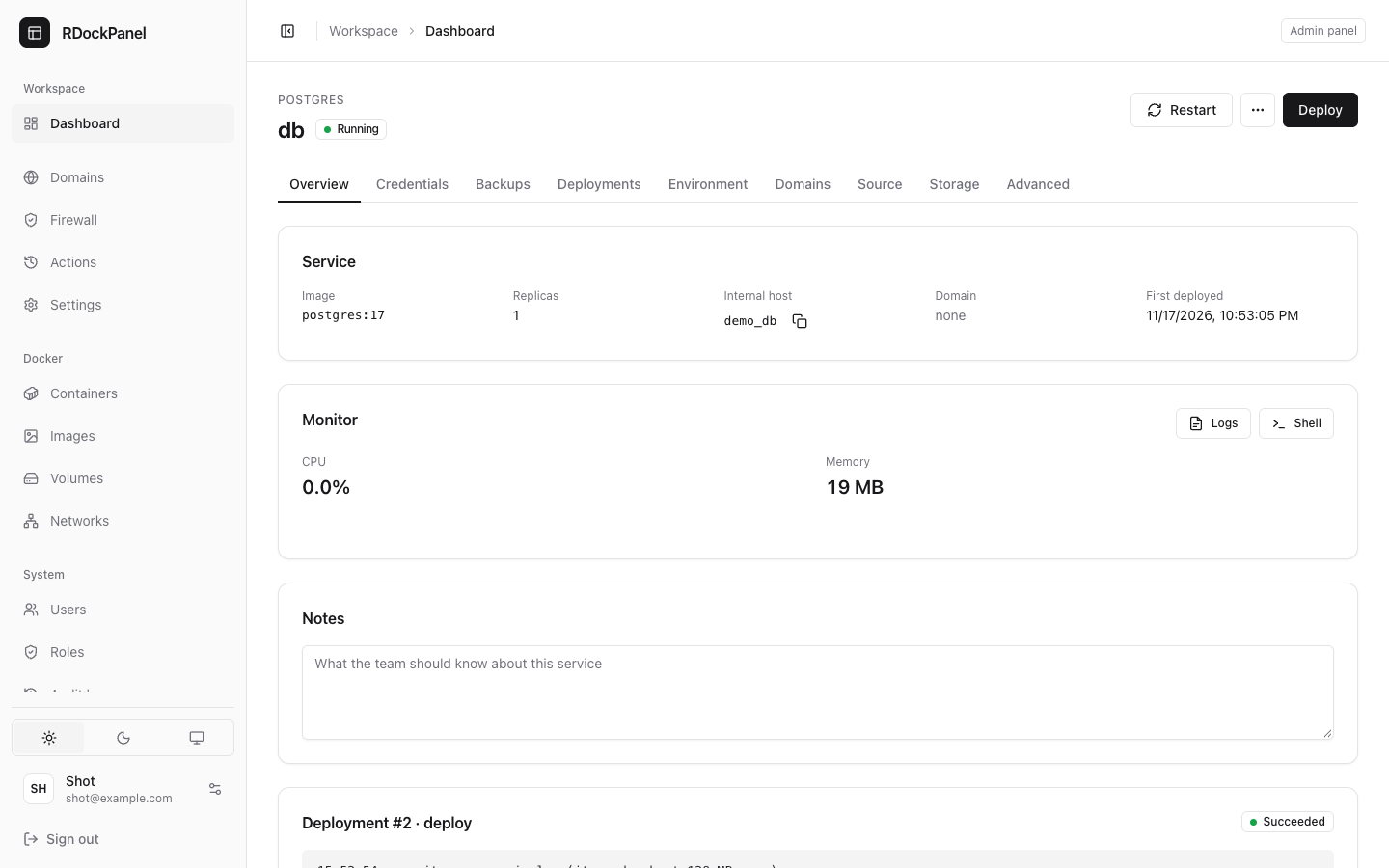
The panel sets it up for you:
- credentials generated (passwords of 24 letters and digits), kept encrypted in its environment;
- a
datavolume where the engine keeps its data; - a health check of the engine (
pg_isready,mysqladmin ping…); - one replica, stopped before it is replaced on updates (two copies never share the data).
It deploys, rolls back and logs like any other service.
Credentials
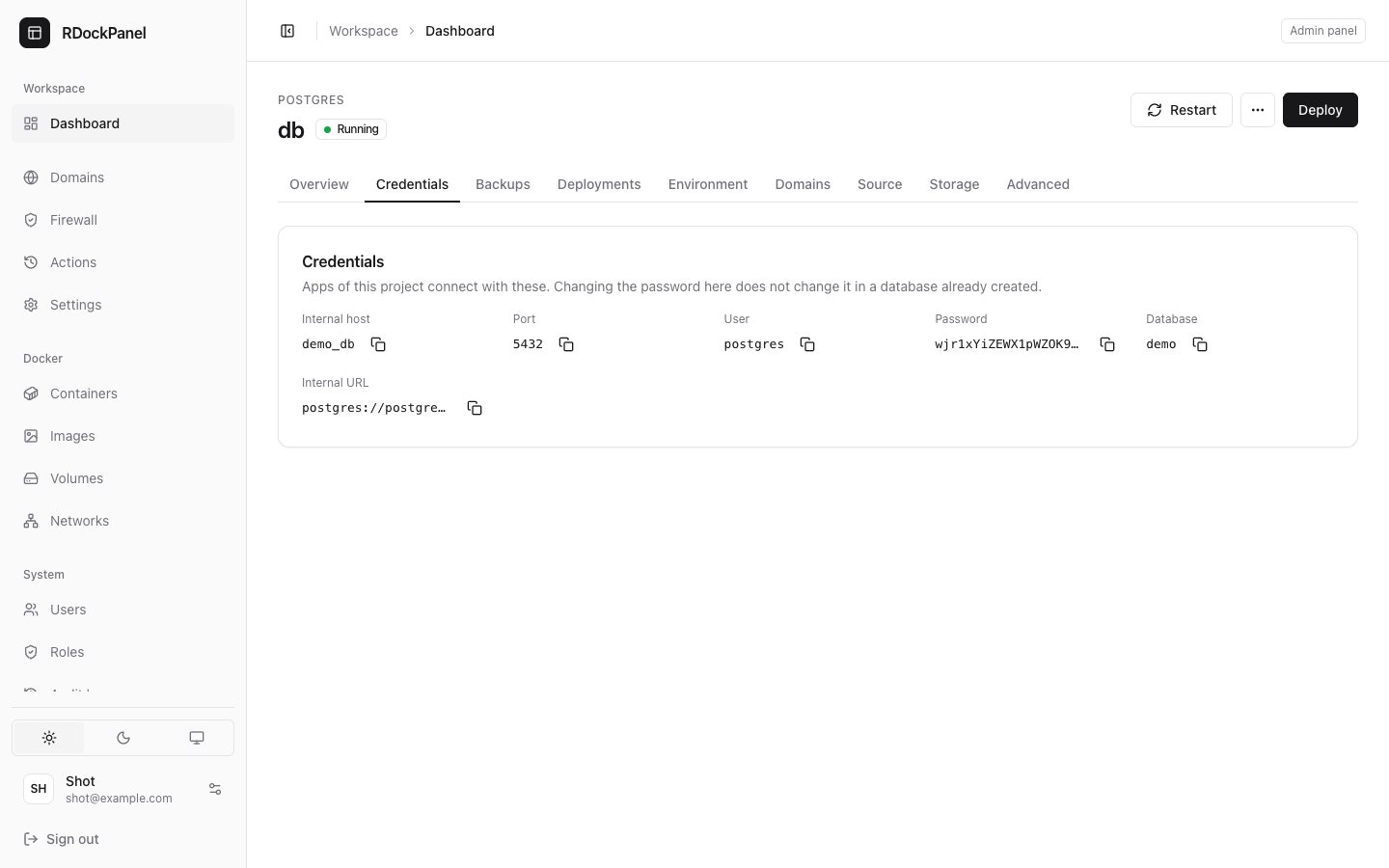
The Credentials tab shows what apps need to connect: Internal host, Port, User, Password, Database, Root password (when the engine has one) and the Internal URL, each with a copy button.
Reading the password needs the services.secrets permission, and each read is recorded in the audit log.
WARNING
The credentials apply when the database's volume is first created. Changing them later in the environment does not change the database's own: change the password inside the database too.
Connect from another service
Services of the same project reach the database by its internal host, <project>_<service>. Copy the Internal URL into your app's environment, for example:
DATABASE_URL=postgres://app:<password>@shop_db:5432/appServices of other projects cannot reach it. Do not publish a database's port unless you really need to: then only allow your own addresses with the firewall.
Backups
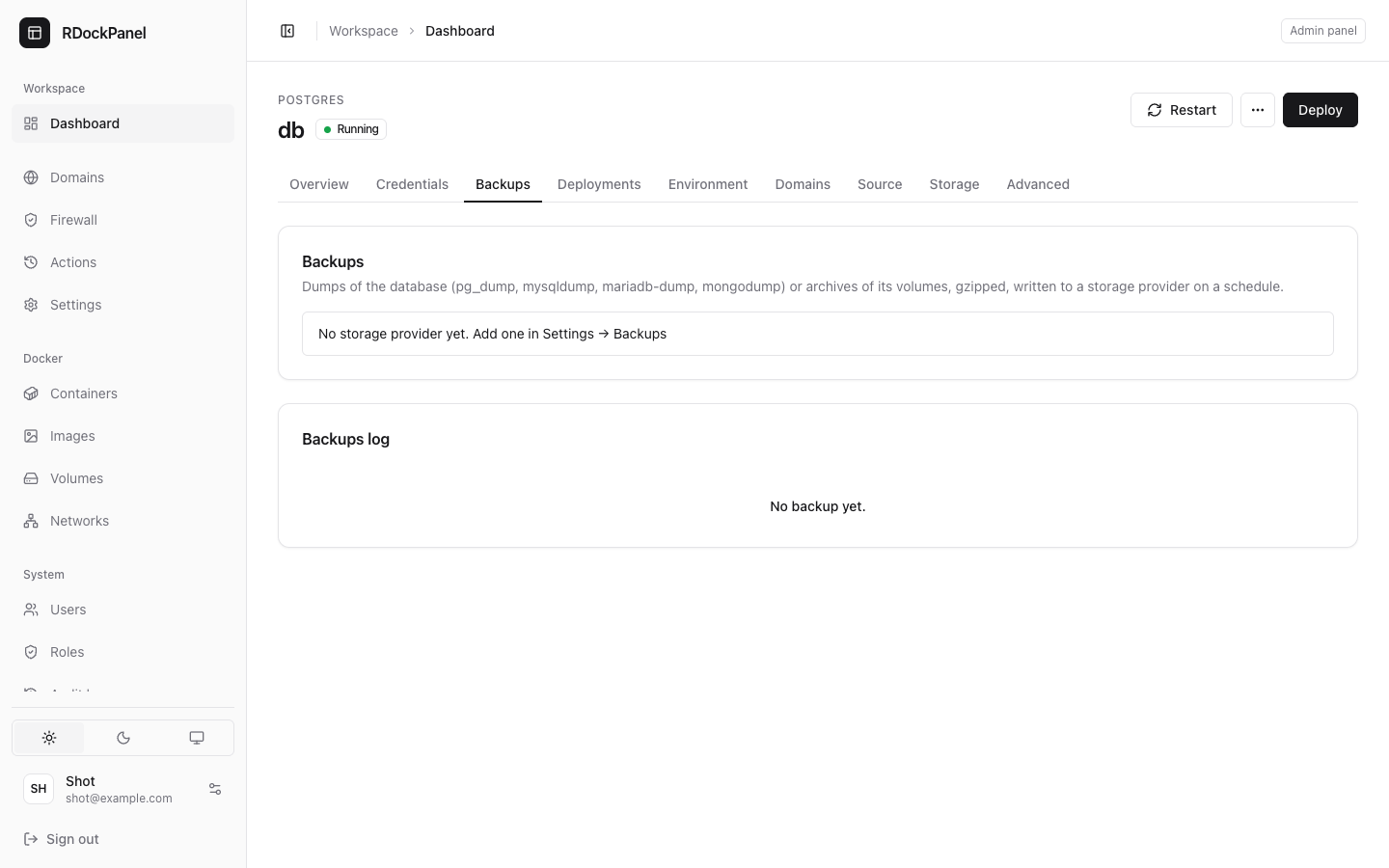
Backups are written to a storage provider: a folder on the server or an S3-compatible bucket (AWS, Cloudflare R2, MinIO…). An administrator adds one first in Settings → Backups.
Then, on the database's Backups tab:
- Press Create backup.
- Back up: The database (a dump) or a Volume of the service (an archive).
- Database name: the database to dump.
- Schedule: a preset (Daily at 02:00 (UTC), Every 6 hours, Hourly, Weekly, Sunday 03:00 (UTC)) or Custom (a cron line in UTC: minute hour day month weekday).
- Storage provider, Destination path (a folder of the provider, one per database) and Retention (how many files of this database are kept there; older ones are deleted).
- Keep Run on the schedule on, and Create.
Run now runs a backup at once. The Backups log lists every run with its state, size and log.
Dumps use the engine's own tool, run inside the database's container: pg_dump, mysqldump, mariadb-dump or mongodump, gzipped. Redis keeps its data in its volume (an append-only file): it has no database dumps, but its volume can be archived.
Restore
- On the Backups tab, press Restore.
- Choose the Storage provider and the Folder, press List files, and pick a File.
- Choose what to restore (the database, or a volume) and, for a database, the one to Restore into database. Press Restore and confirm.
The file is read whole and checked first: a damaged file changes nothing. Then it replaces the database's data. Stop the apps writing to it, and take a backup first.
Restoring a volume empties its folder and unpacks the archive there: stop what writes there first.
Good to know
- Permissions:
backups.runruns a backup now,backups.restorerestores one. A project admin restores only that service's own backups. - Schedules run in UTC. Missed runs (the panel was off) are not caught up.
- A run takes up to 3 hours; one service runs one backup at a time.
- Backups work for containers on the panel's node (see Where a service runs).
- The notification channels can hear about backups and restores (Settings).