Cloudflare Tunnel
Reach your domains through Cloudflare without opening ports 80 and 443, and without a public IP address. The panel runs Cloudflare's cloudflared next to Traefik.
Why use it
- The server is behind a home or office router, or a provider that gives no public address (a Mac at home, say).
- You prefer to keep ports 80 and 443 closed to the internet.
- Cloudflare then gives visitors HTTPS for you.
The domains must be on Cloudflare (their DNS managed there).
Set it up
Only administrators (system.manage) see this tab.
- In Cloudflare: Zero Trust → Networks → Tunnels → Create a tunnel (cloudflared). Copy its token.
- In the panel: Settings → Cloudflare Tunnel → Add tunnel. Give it a name (lowercase letters, digits and dashes, starting with a letter) and paste the Tunnel token.
- Wait for the status to read Connected.
- In the tunnel's ⋯ menu, choose Hostnames…. It shows the Service (origin) every hostname must point to (such as
http://rdp-traefik:8081). - In Cloudflare, for each domain, add a public hostname to the tunnel with that service.
- In the panel, add the same domain to the service on its Domains tab, with HTTPS off.
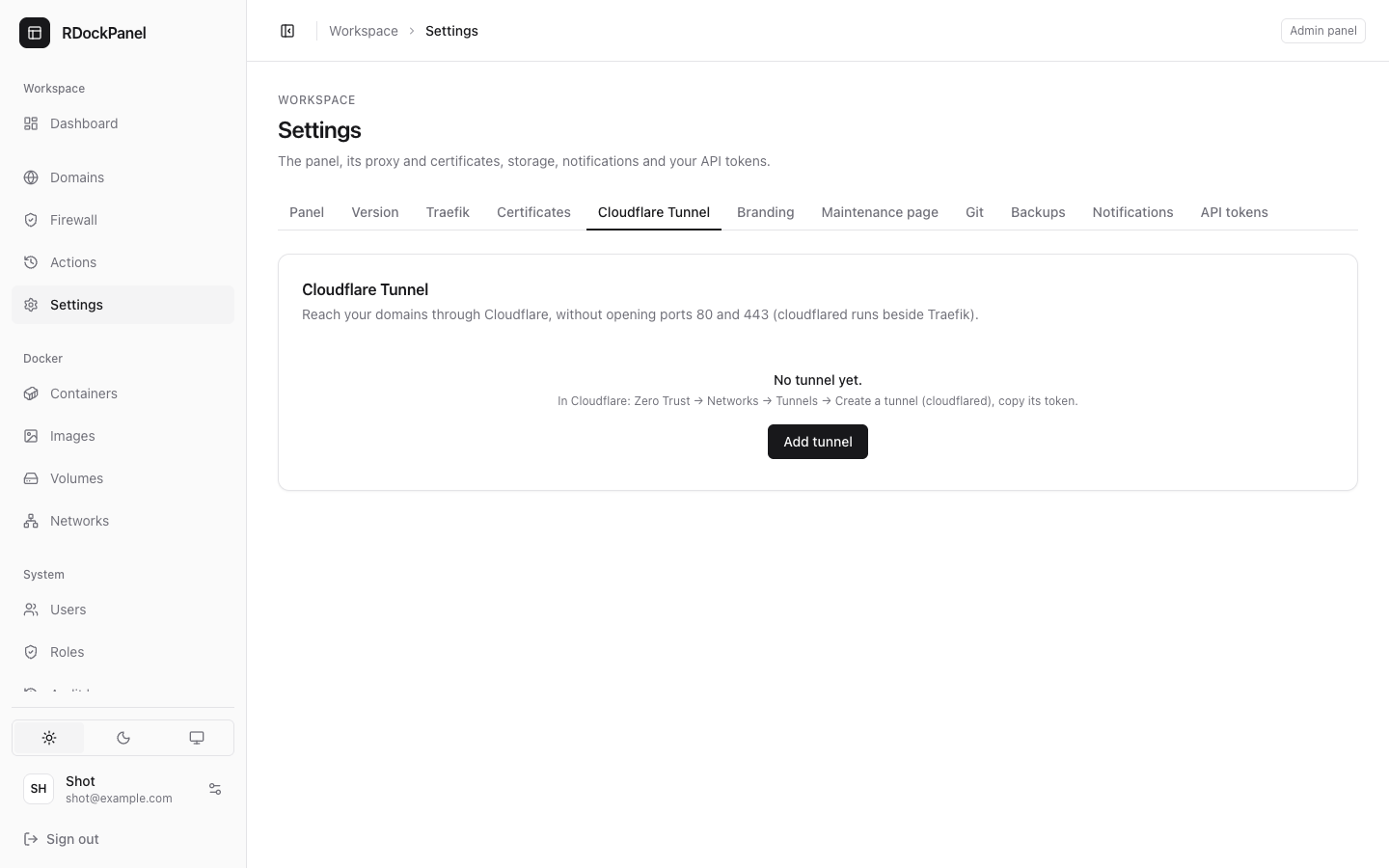
Several tunnels
Each tunnel runs its own cloudflared with its own token: one tunnel per token, for several Cloudflare accounts for example. On each row:
- Turn off / Turn on: once off, the domains it served are reached only through ports 80 and 443;
- the ⋯ menu: Hostnames…, Replace token… and Remove… (its cloudflared stops and its token is forgotten).
The status of each reads Starting, Connected, Not connected or Off.
HTTPS and visitors' addresses
- Through the tunnel, Cloudflare serves HTTPS: the domains' own certificates are not used. A visitor over plain HTTP is redirected to HTTPS by Cloudflare.
- A domain's form marks names that lead to Cloudflare (via Cloudflare) and offers Turn HTTPS off.
- Apps receive the visitor's address in Cloudflare's
Cf-Connecting-Ipheader. The rate limit counts each visitor by their own address.
Good to know
- Tokens are encrypted in the panel and given to cloudflared as a Docker secret, never on a command line.
- The panel's own address can go through a tunnel too, once the panel has a domain.
- A
cloudflaredcontainer you ran yourself can become a tunnel of the panel when you import it.