Where a service runs
On a Swarm with several servers (nodes), choose which one runs a service. On a single server there is nothing to choose: everything runs there.
The nodes are the servers of your Swarm: add one on Docker → Nodes (a command to run on the new server). They then appear in this list by themselves.
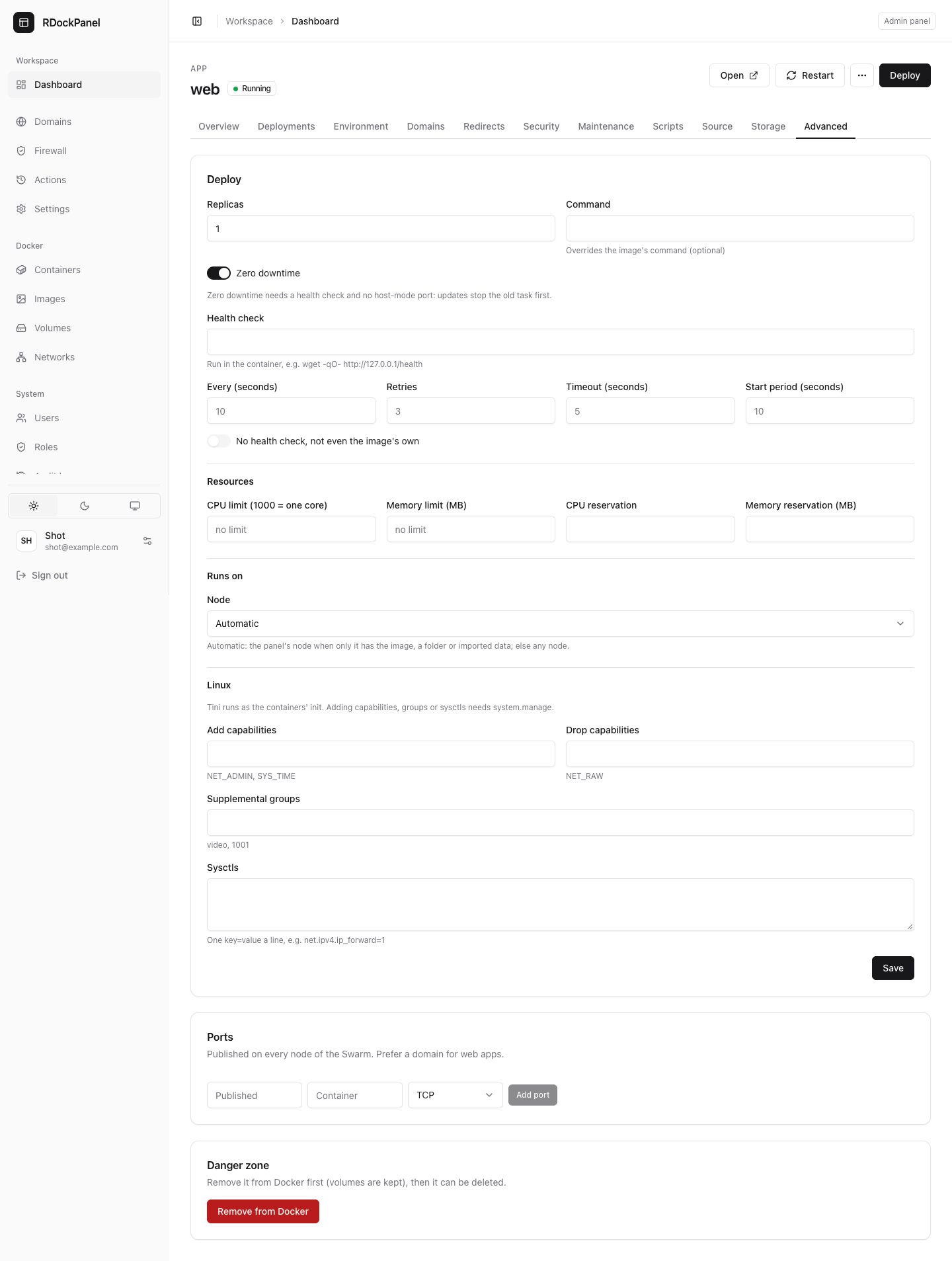
Choose the node
- Open the service's Advanced tab.
- Under Runs on, choose the Node:
- Automatic (the default): the panel's node when only that machine has what the service needs (an image built or imported here, a folder used in place, an imported service's volumes); otherwise any node.
- A node of the Swarm, by name (the panel's node is marked (the panel's node)).
- Any node (storage shared between nodes): no constraint, for services whose data is on storage every node shares.
- Save, then Deploy.
Who can set it
Only the panel's administrators (system.manage): setting it, and changing a service that has one. Others see it only when one is set, and cannot change it.
It is refused for:
- Compose services (they always run on the panel's server);
- services built by the panel (from Git or a Dockerfile) and images only this machine has: other nodes could not get the image.
A deployment fails, with the reason in its log, when the chosen node has left the Swarm.
Volumes are per node
A Docker volume lives on the node that created it. When a service with volumes moves to another node, its volumes there start empty unless the storage is shared between nodes. The tab warns about it.
Move data yourself before you change the node of a service that keeps data, or use shared storage with Any node.
What works only on the panel's node
The panel reaches containers through its own Docker. For a service whose containers run on another node:
- backups and restores, scripts, the terminal and live stats do not work;
- the service page says why: "It runs on another node".
Good to know
- Moving a service's data to another node is planned for later; today it is up to you.
- Like every setting of the Advanced tab, it applies on the next Deploy.