Logs, terminal, scripts
See what a service prints, open a shell in its container, and save commands you run often. All three are on the service page; none needs access to the Docker pages.
Live logs
- Open the service's Overview tab.
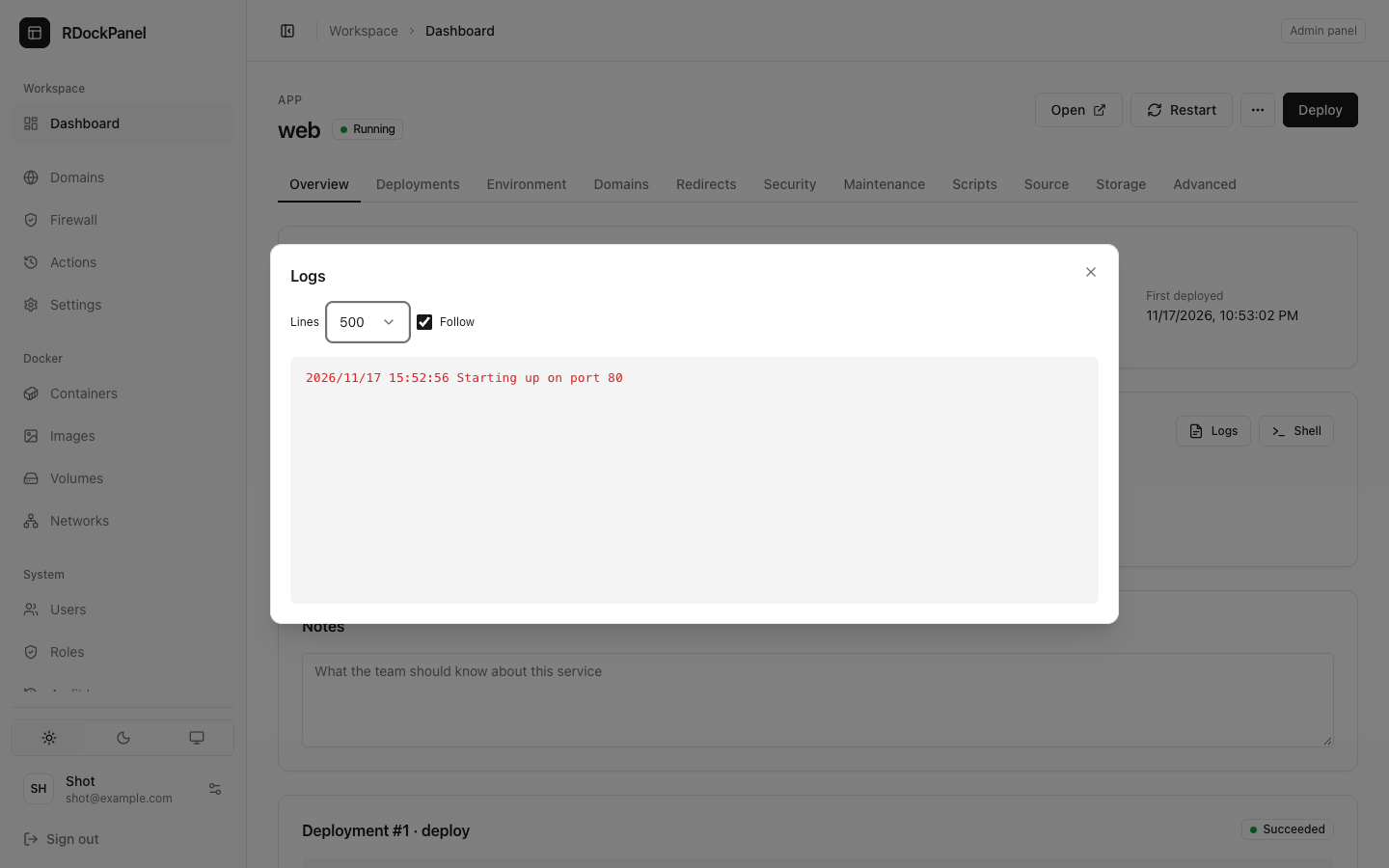
- In Monitor, press Logs.
- Choose how many Lines to load (100, 500 or 2000), and keep Follow on to see new lines as they come.
Lines written to stderr are highlighted. The Monitor section also draws the service's CPU and memory, live.
A deployment's own log (pull, build, start) is on the Deployments tab (see Deploy).
Terminal
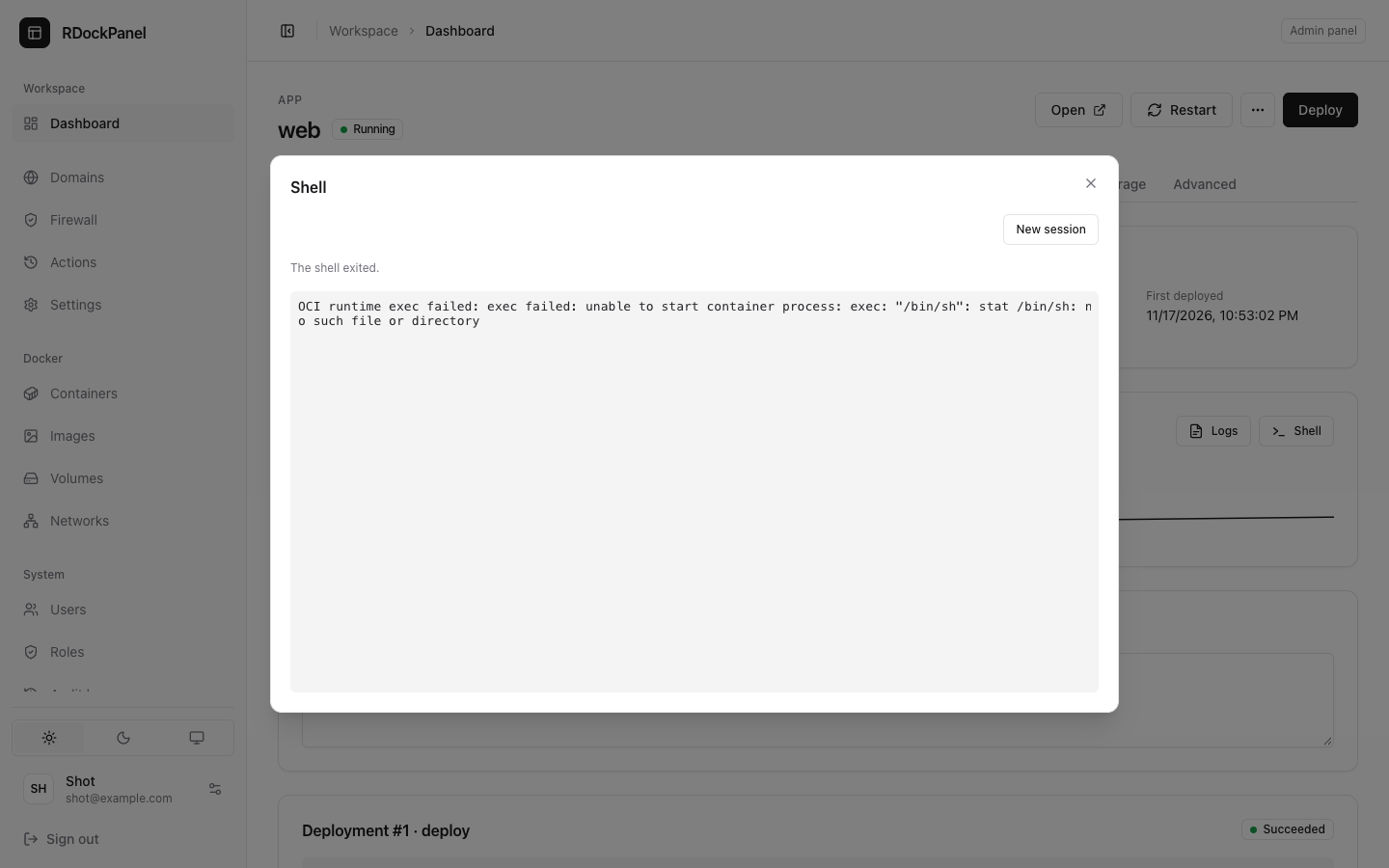
Press Shell in Monitor to open a shell in a running container of the service, in the browser.
- New session starts a fresh shell.
- It closes after 30 minutes without activity, and within seconds when you lose the permission or sign out.
- Each session is recorded in the actions and audit logs, with who opened it and for how long. What you type and what it prints are never recorded.
WARNING
In most images the shell runs as root inside the container. Give the terminal permission only to people you trust with the app's data and secrets.
Scripts
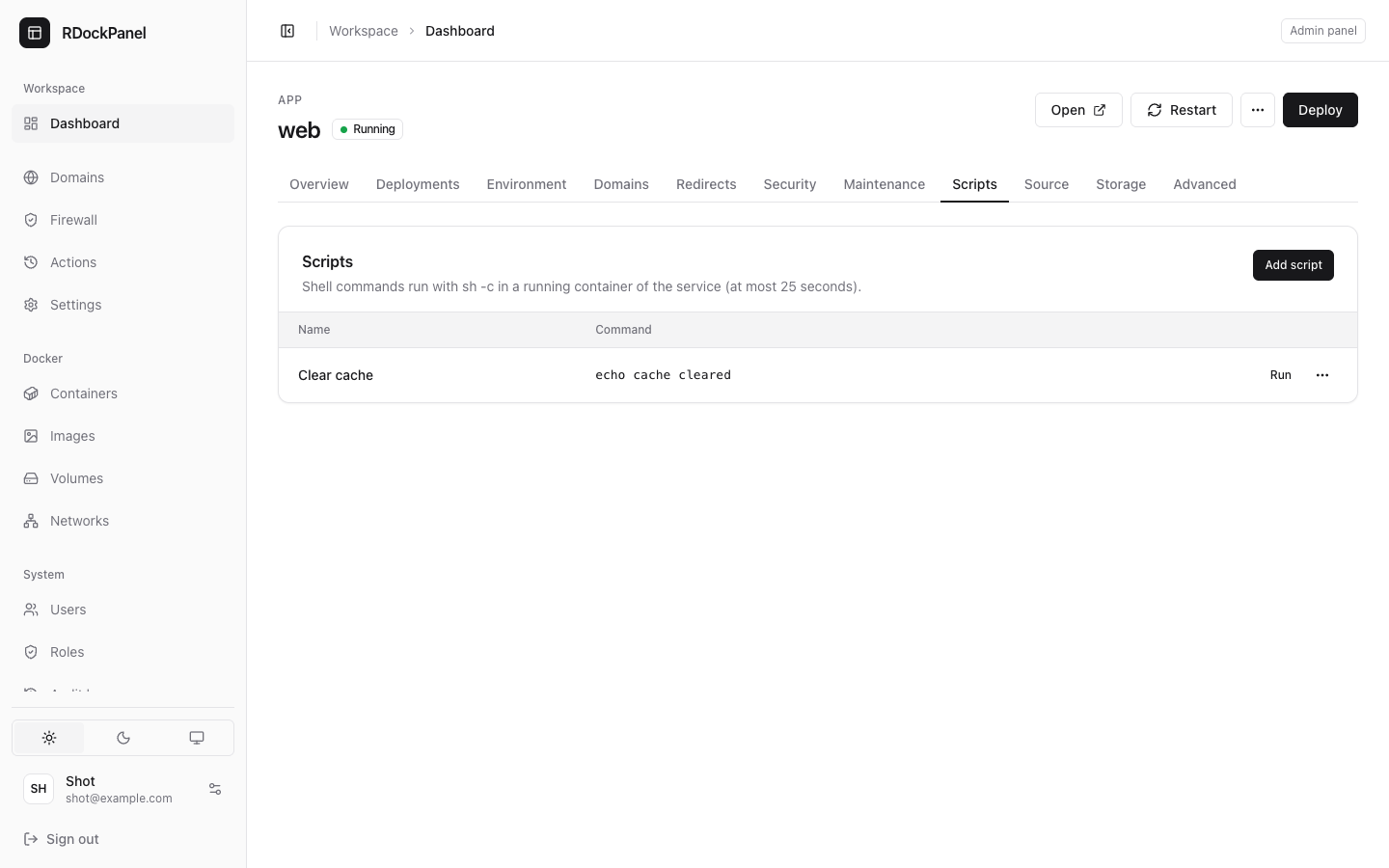
The Scripts tab keeps named commands you run often, such as a migration or a cache clear.
- Press Add script, give it a Name and a Command (such as
php artisan migrate --force), and save. - Press Run on its row. The output and the exit code show when it ends.
A script runs with sh -c in one running container of the service:
- for at most 25 seconds, then it is stopped;
- the output shown is its last 64 KB;
- each run is audited by its name (never its output).
Scripts are not offered for databases or Compose services. For longer work, use the terminal.
Who may do what
| To | Needs |
|---|---|
| Read a service's logs | services.logs (in its project), or docker.logs |
| Open its terminal, run its scripts | services.exec (in its project), or docker.exec |
| Add, change or remove scripts | service_scripts.* |
A project's developers and admins have services.exec in their projects (see Projects). The terminal of a privileged or Compose service is for administrators (system.manage).
Good to know
- The terminal, scripts and live stats work for containers on the panel's node (see Where a service runs).
- Docker → Containers has the same logs and terminal for every container on the server (see Docker).